Forecasting
Introduction
The Forecasting tool provides various time series forecasting models to predict future values based on historical data. It supports forecasting with optional covariates, and can handle multiple time series identified by an ID field. For example, if you have sales data over time for different products, you can forecast future sales for each product individually. The tool supports various advanced models including AutoARIMA, AutoETS, LSTM, Prophet, Transformer, and Random Forest, each with its own strengths and configurable parameters.
1. Set the Model and Input Data
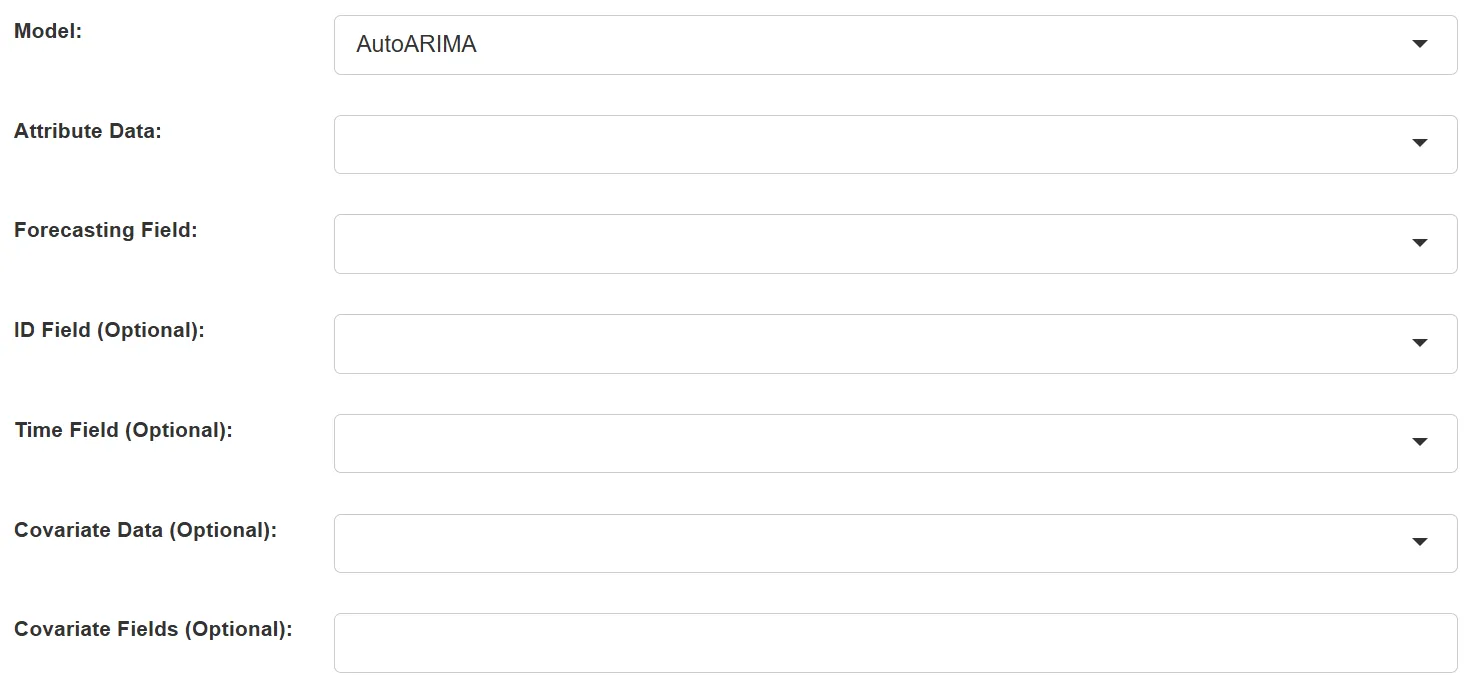
-
Model: Choose from the following forecasting models:
- AutoARIMA: Automatically selects the best ARIMA model parameters
- AutoETS: Automatic exponential smoothing model
- LSTM: Long Short-Term Memory neural network
- Prophet: Prophet model for time series with strong seasonal patterns
- Transformer: Transformer-based deep learning model
- Random Forest: Random Forest regression for time series
-
Attribute Data: The input data containing the time series to forecast
-
Forecasting Field: The numeric field to forecast
-
ID Field (Optional): Field to identify different time series if forecasting multiple series
-
Time Field (Optional): Field containing timestamps (required for Prophet model)
-
Covariate Data (Optional): Additional data containing external factors that may influence the forecasting
-
Covariate Fields (Optional): Fields from the covariate data to use in forecasting
2. Set Model Parameters
Common Parameters:

- Mode: Choose between:
- Forecast: Generate future predictions
- Test: Split data into training and test sets to evaluate model performance

- Forecasting Steps: Number of future time points to predict (for Forecast mode)

- Size of Test Data: Number of time points to use for testing (for Test mode)
Model-Specific Parameters:
For AutoARIMA and AutoETS:

- Season Length (Optional): Length of seasonal patterns in the data
For LSTM:
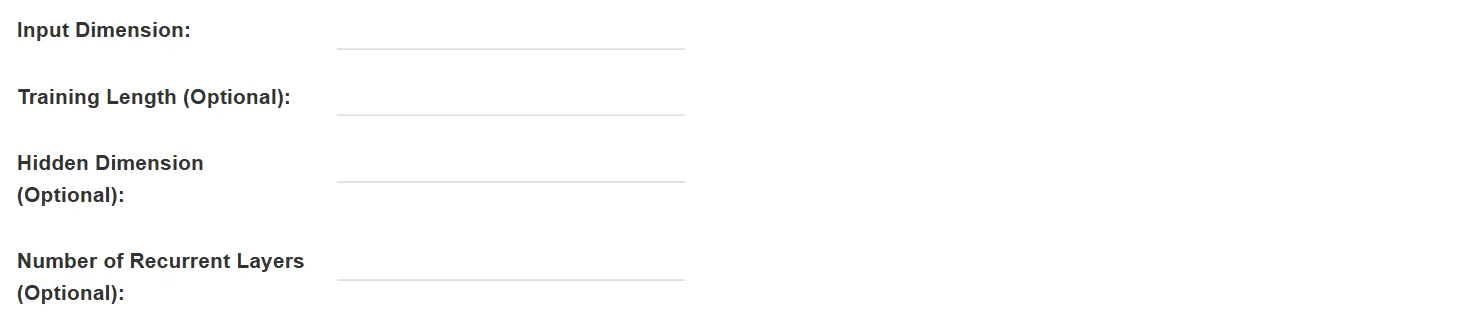
- Input Dimension: Length of input sequences
- Training Length (Optional): Number of samples for training
- Hidden Dimension (Optional): Size of hidden layers
- Number of Recurrent Layers (Optional): Number of LSTM layers
For Prophet:

- Season Length (Optional): Length of seasonal patterns in the data
- Order of Partial Fourier Sum: Controls the flexibility of the seasonal component
For Transformer:
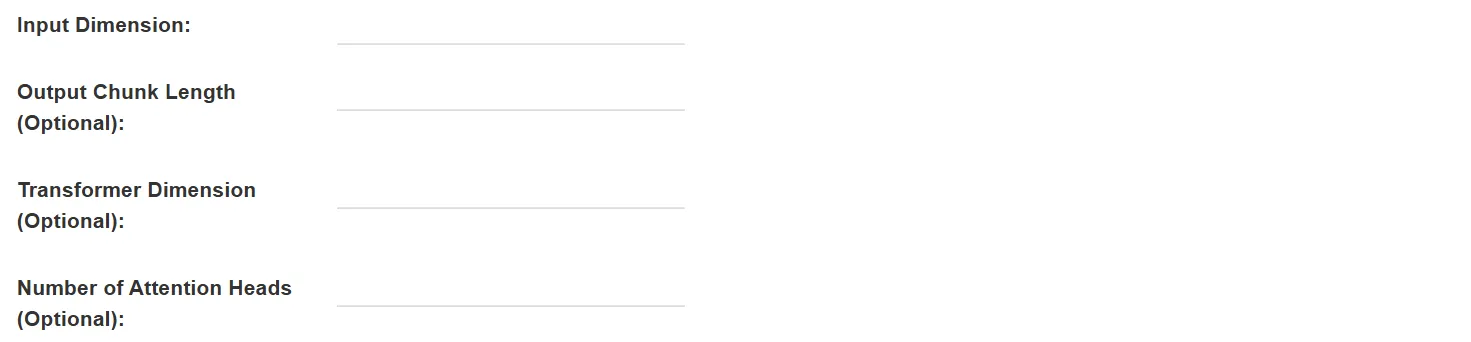
- Input Dimension: Length of input sequences
- Output Chunk Length (Optional): Length of output sequences
- Transformer Dimension (Optional): Size of transformer layers
- Number of Attention Heads (Optional): Number of attention heads
For Random Forest:
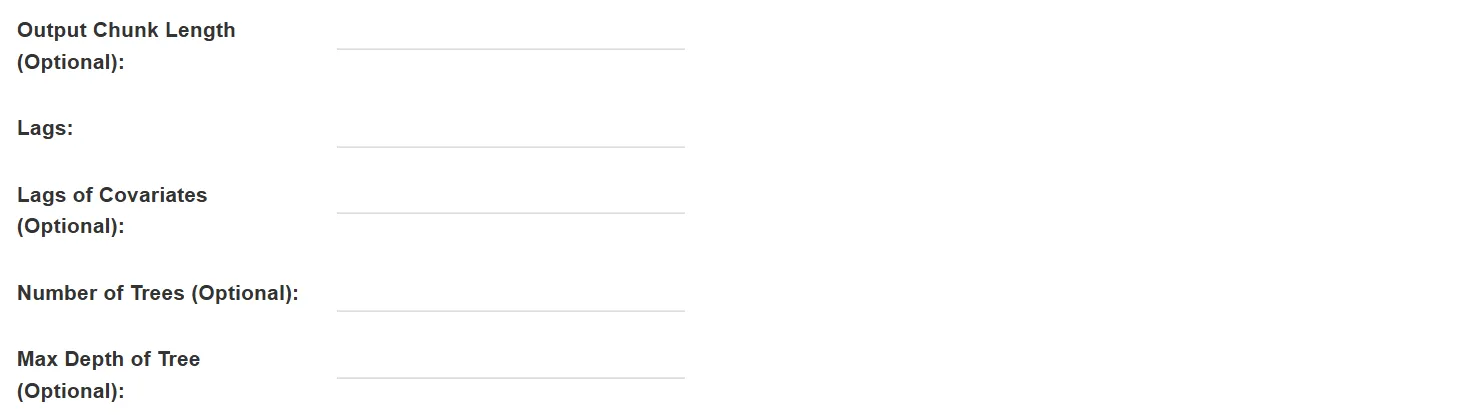
- Output Chunk Length (Optional): Length of output sequences
- Lags: Number of past values to use as features
- Lags of Covariates (Optional): Number of past covariate values to use
- Number of Trees (Optional): Number of trees in the forest
- Max Depth of Tree (Optional): Maximum depth of each tree
3. Set the Output Data

- Output Data Range: Choose between:
- Original Data + Forecasted Data: Include both historical and predicted values
- Forecasted Data: Only output the predictions
- Output Data Name: If no name is set, the default is “toolName_time”
4. Submit
After completing the above settings, click Submit to start the tool.
When it finishes successfully, a message will be shown at the top of the page. You can click the Open Data button to start accessing the data or go to the Data page to view it.
The output will include:
- Forecasted values for each time series
- If in Test mode, additional evaluation metrics:
- Difference between predicted and actual values
- Absolute difference
- Absolute percentage difference